

 4.4
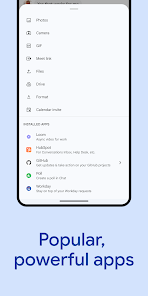
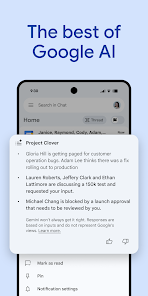
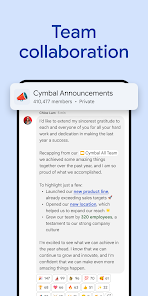
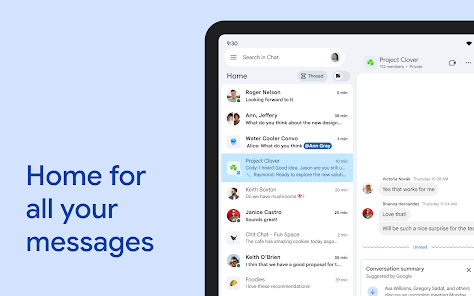
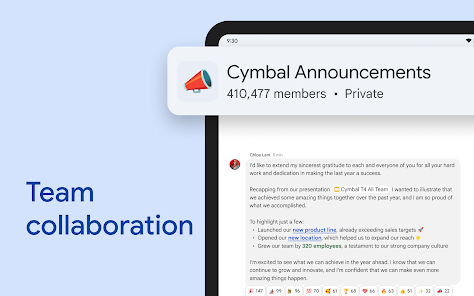
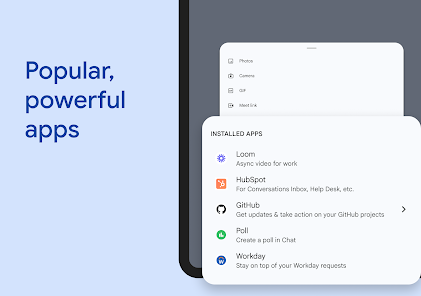
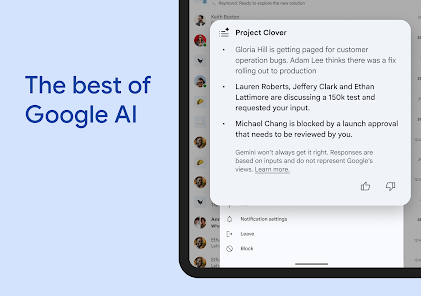
4.4 Google Chat stands out in the crowded messaging app landscape by offering a suite of features designed to enhance team collaboration and communication. Here are some of its core highlights:
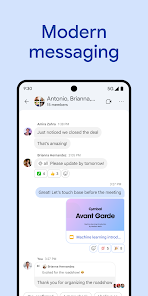
My experience with Google Chat has been overwhelmingly positive, especially in a work environment where communication is crucial. I use the app daily to connect with my colleagues, whether it's for quick updates or detailed discussions. For example, during our weekly team check-in, we use Google Chat to share agenda items beforehand. This way, everyone is prepared, and we can dive straight into discussions without wasting time. Additionally, I often use it for coordinating with freelancers and external partners, ensuring that everyone stays on the same page.
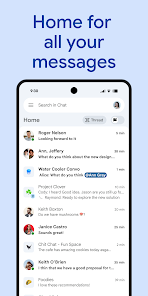
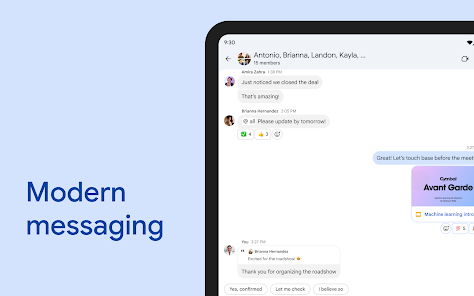
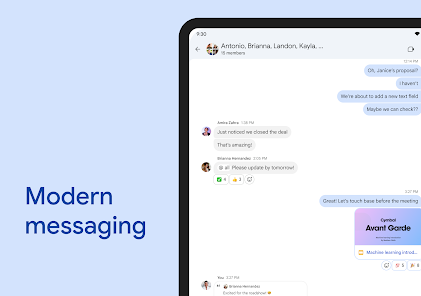
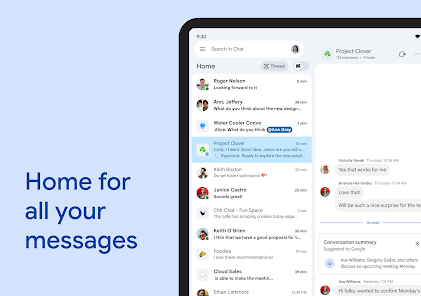
The user interface of Google Chat is intuitive and user-friendly, making navigation a breeze. I appreciate the clean layout, which is not cluttered, allowing me to focus on conversations. The feature workflow feels seamless; transitioning between chats, rooms, and calls happens without any lag. Notifications are well-timed, and I never miss important messages, whether I'm at my desk or on the go. Overall, my feelings about the app are very positive—it feels like an extension of my workflow rather than a separate tool I have to manage.
Google Chat is available for free to individual users, which is a significant advantage for those looking to leverage its features without incurring costs. However, businesses can opt for Google Workspace plans that start at a reasonable monthly fee. These plans come with added features like enhanced security and administrative controls, making them worthwhile for teams that require more robust tools.
Google Chat receives regular updates that introduce new features and improve existing ones. The support from Google is commendable, with a comprehensive help center and community forums available for troubleshooting. If I encounter any issues, I can quickly find solutions or get assistance, which enhances my overall experience with the app.
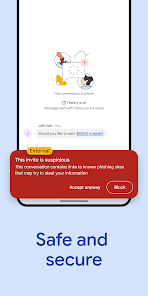
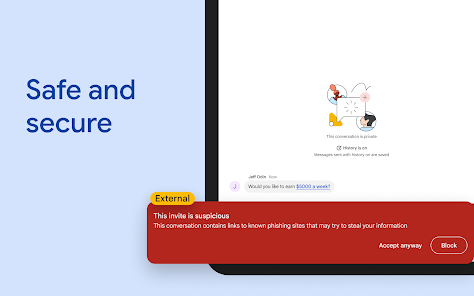
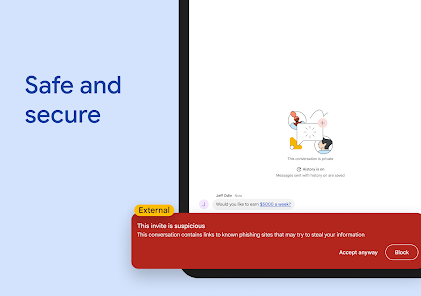
As an American user, security and privacy are of utmost importance to me when using any app, and Google Chat does not disappoint in this regard. The app is available on both the App Store and Google Play, which is reassuring since these platforms have stringent security measures. Registration requires a Google account, and while this means providing some personal data, it’s a trade-off for accessing the full suite of Google services.
Additionally, Google Chat does not display ads, which is a relief. However, like many free services, it may track user behavior to improve features and provide personalized experiences. Fortunately, Google has a clear privacy policy that explains how data is collected and used, allowing me to make informed decisions about my privacy settings. All in all, I feel that my data is handled responsibly while using Google Chat, making it a trusted option for both personal and professional communication.

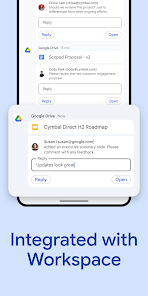
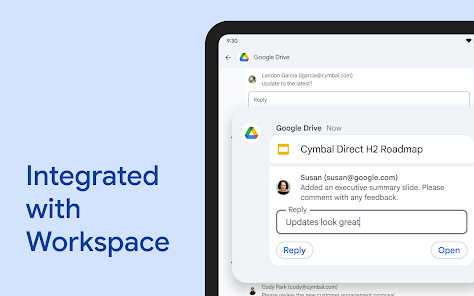
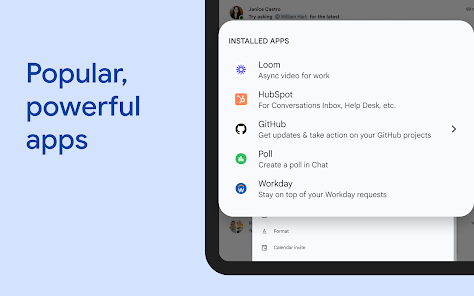
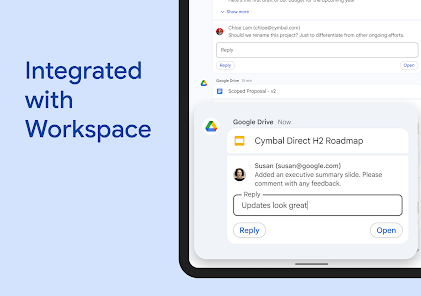
 Seamless integration with Google Workspace tools enhances productivity Real-time messaging improves team collaboration and communication Customizable chat rooms foster focused discussions and brainstorming Easy file sharing simplifies access to important documents User-friendly interface ensures quick adoption by teams
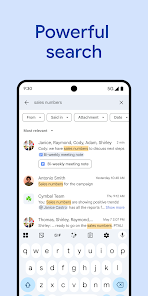
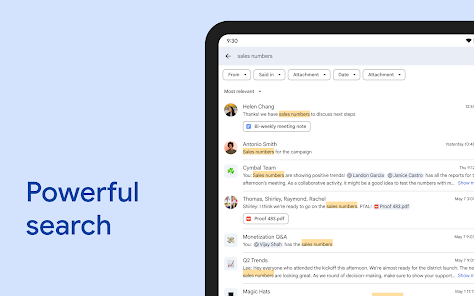
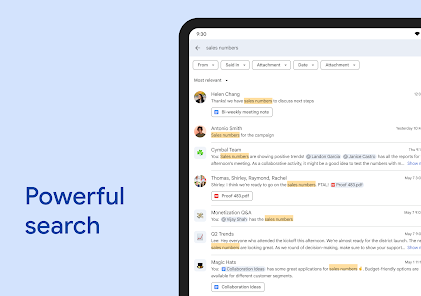
 Limited integration with non-Google applications Search functionality can be cumbersome Lacks advanced project management tools Notifications can be overwhelming and distracting
 Google Chat may collect personal data as outlined in Google's privacy policy, including information about your use of the app, interaction with other users, and device information.
Google Chat is available for free to anyone with a Google account, while additional features are included in Google Workspace subscription plans.
Yes, Google Chat requires an active internet connection to send and receive messages, collaborate in real-time, and access its features.
You can contact Google support through the Help Center or send feedback directly through the Google Chat app under the settings menu.
You can manage or cancel your Google Chat subscription by accessing your Google Workspace account settings, where you can view your subscription details and make changes as needed.
You can contact Google support through the Google Workspace support page or via the Help Center for assistance with Google Chat.
To log in, open the app, enter your Google account credentials, and tap 'Sign In.'
Google Chat is automatically activated for Google Workspace users; for personal accounts, it’s available upon logging in to your Google account.
Google does not have a dedicated customer service number for Google Chat; support is generally accessed online through their Help Center.















 Home
Home  Apps
Apps  Games
Games  Disclaimer
  Privacy & Policy
  Terms of Service
  Google Play
  App Store