

 3.5
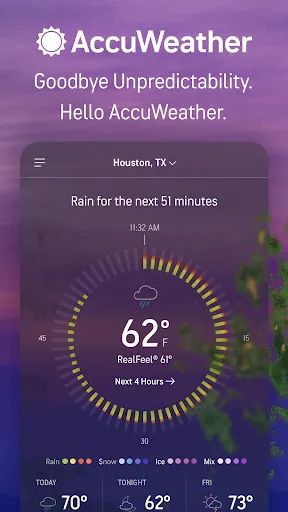
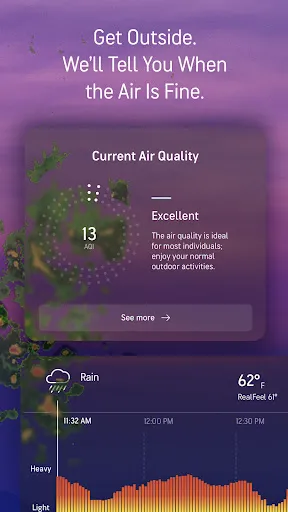
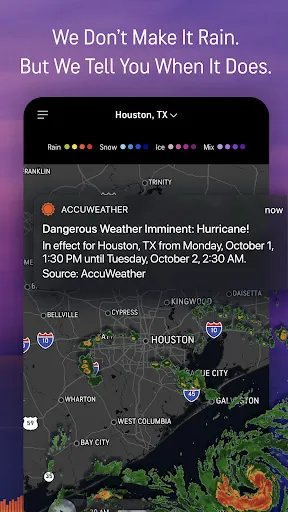
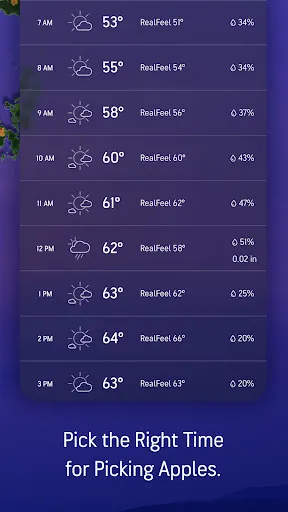
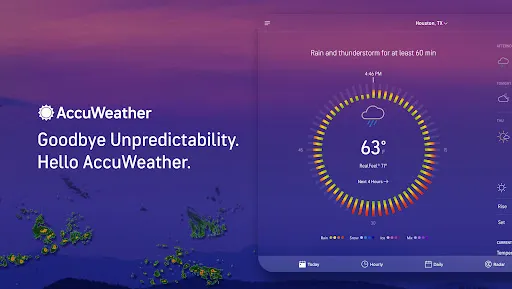
3.5 The "AccuWeather: Weather Radar" app offers a comprehensive suite of features designed to provide users with accurate and timely weather information. One of its standout features is the minute-by-minute precipitation forecast, which alerts users about impending rain or snow in their area. This feature is particularly useful for planning outdoor activities. Additionally, the app includes detailed radar maps that allow users to visualize weather patterns in real-time, enhancing their understanding of current conditions.
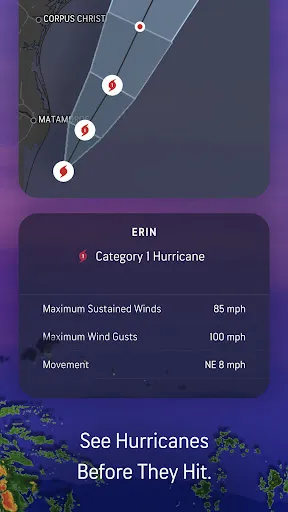
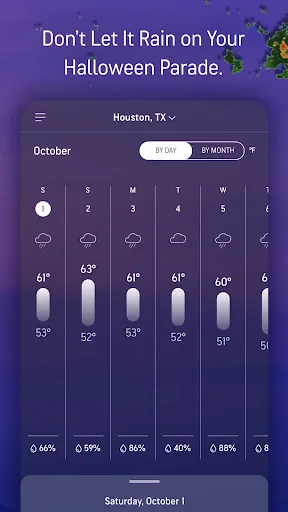
Another notable feature is the extended 15-day weather forecast, which provides insights into upcoming weather trends, helping users prepare for changes in conditions. The app also offers severe weather alerts, ensuring that users are informed about potential hazards such as storms or extreme temperatures. Furthermore, the user-friendly interface allows for easy navigation, making it simple to access localized weather updates. With customizable notifications, users can tailor alerts to their preferences, ensuring they receive the most relevant information.
Using the "AccuWeather: Weather Radar" app is straightforward and user-friendly. After downloading the app from your device's app store, you can create an account or use it without one. Upon opening the app, you will be prompted to allow location access, which enables the app to provide localized weather updates. You can also manually enter a city or zip code to get weather information for specific locations.
The "AccuWeather: Weather Radar" app comes with several advantages that make it a popular choice among users. One of the primary pros is its accuracy; the app is known for providing reliable weather forecasts and real-time updates. The detailed radar maps and minute-by-minute precipitation alerts are particularly beneficial for those who need precise weather information for outdoor activities. Additionally, the user-friendly interface and customizable notifications enhance the overall user experience, allowing individuals to tailor the app to their specific needs.
However, the app is not without its drawbacks. Some users have reported that the ads can be intrusive, which may detract from the overall experience. Additionally, while the app offers a wealth of information, some users may find the interface slightly overwhelming due to the abundance of features. Lastly, occasional inaccuracies in long-term forecasts can lead to frustration for users relying on the app for planning purposes. Balancing these pros and cons can help users determine if the app meets their weather-related needs.

 AccuWeather offers real-time weather updates for accurate planning. Intuitive interface makes navigation simple and user-friendly. High-resolution radar imagery provides detailed storm tracking. Customizable notifications keep you informed about severe weather alerts. Extensive forecasts help you prepare for upcoming conditions.
 Limited accuracy in severe weather predictions can mislead users. User interface may feel cluttered and overwhelming for some. Frequent ads can disrupt the user experience and reduce usability.
  Google Play
  App Store
 Yes, users can submit suggestions or feedback through the app's settings or customer support channels, helping to improve the app.
Yes, the app may collect personal data to enhance user experience, provide location-based services, and improve its offerings, but it complies with privacy regulations.
Yes, AccuWeather: Weather Radar allows users to access certain features and weather data even when offline, though real-time updates require an internet connection.
Users can cancel their subscription through the app store where they originally purchased it, following the platform's subscription management guidelines.
The subscription cost for premium features may vary based on the plan chosen, typically starting from a few dollars per month.
Yes, you can activate your account using the email address you registered with, but having your customer number can speed up the process.
Unfortunately, customer numbers cannot be changed. If you need assistance, please contact customer service.
You can reach AccuWeather customer service through the help section on our website or via the app’s support feature.
To activate your account, follow the link in the confirmation email you received after signing up.
Your customer number is typically found in your account settings or in any account-related emails from AccuWeather.











 Home
Home  Apps
Apps  Games
Games  Disclaimer
  Privacy & Policy
  Terms of Service