 4.1
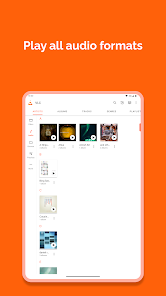
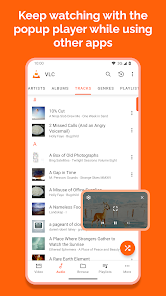
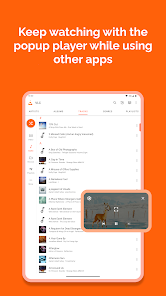
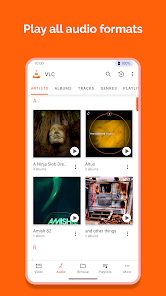
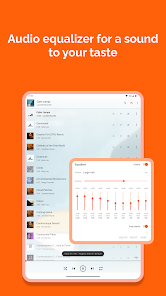
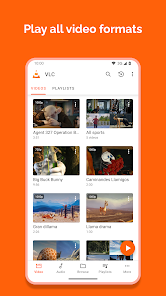
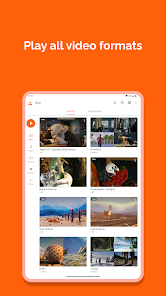
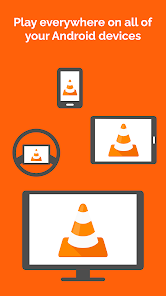
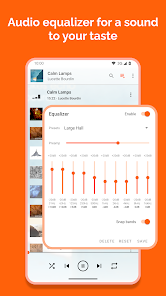
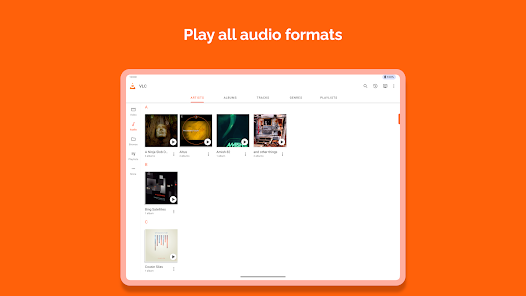
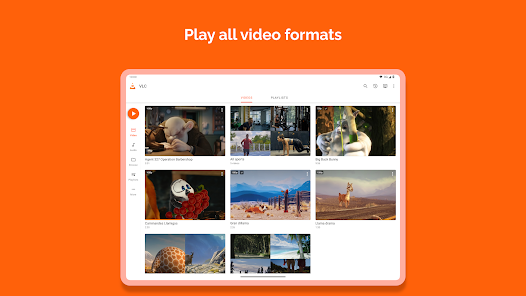
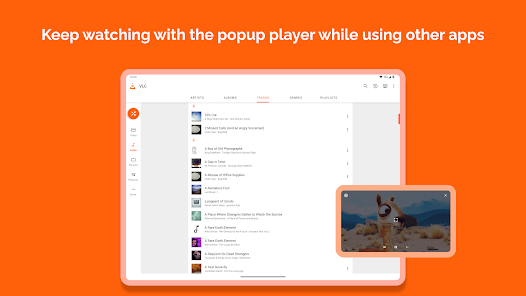
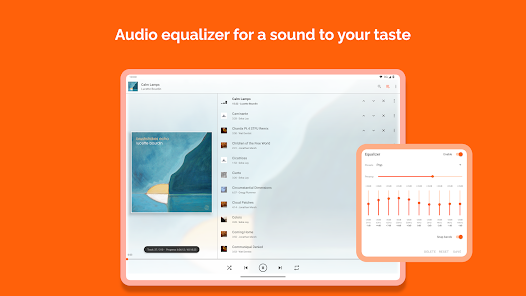
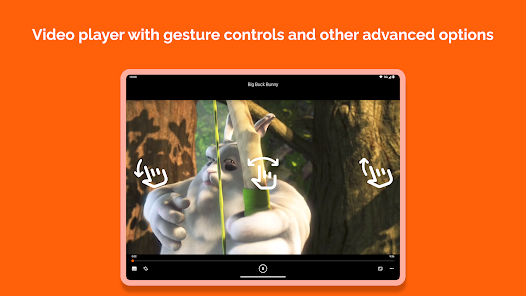
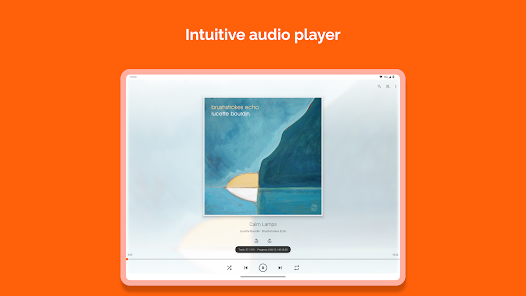
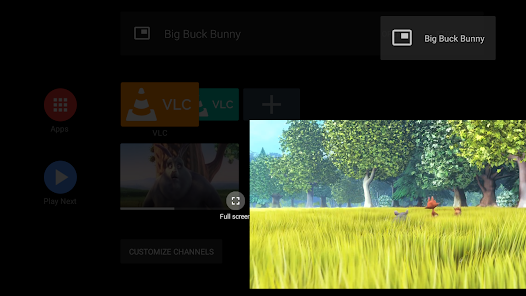
4.1 If you're on the hunt for a versatile media player that can handle nearly any file format, look no further than VLC for Android. This app is not just a standard player; it’s a robust toolbox packed with features that cater to diverse media consumption needs. Here are some core highlights that truly set it apart:
My daily life often revolves around media consumption, whether I'm commuting, relaxing at home, or traveling. During my daily train rides, I often pull out my phone to watch the latest episodes of my favorite shows. VLC for Android has become my go-to app for this purpose, allowing me to download episodes in various formats and watch them without a hitch. Additionally, on weekends, I enjoy hosting movie nights with friends. With the app's ability to handle different file types and stream from network shares, I can easily set up a movie marathon without worrying about compatibility issues.
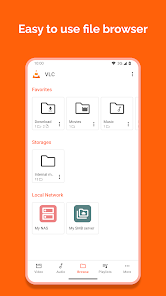
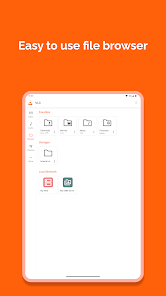
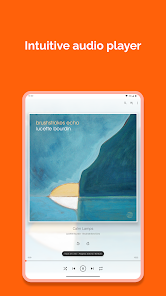
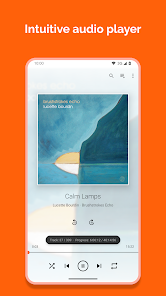
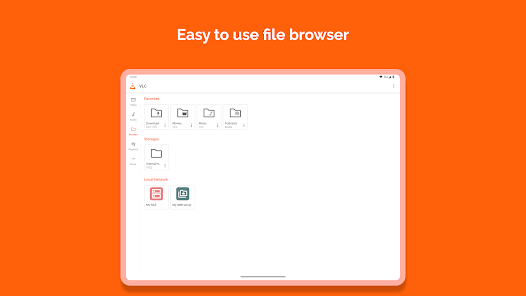
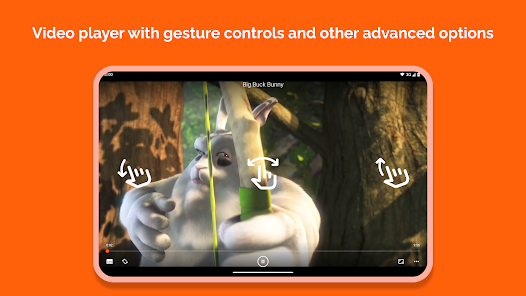
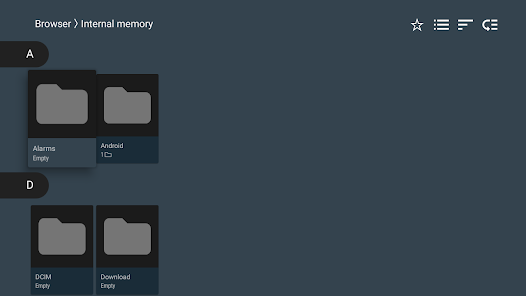
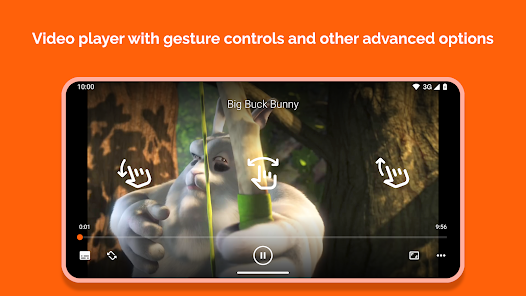
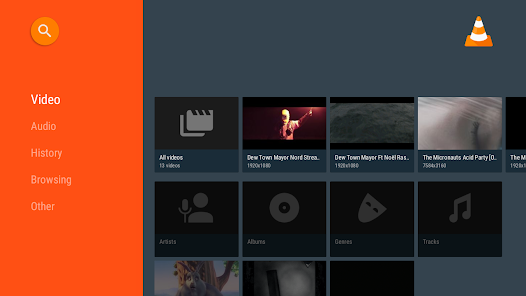
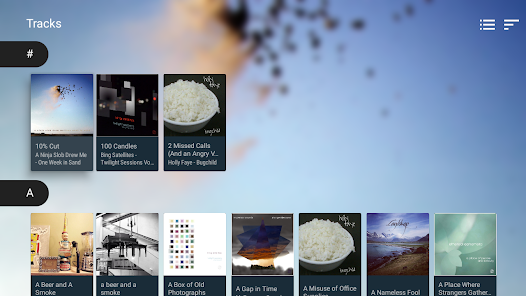
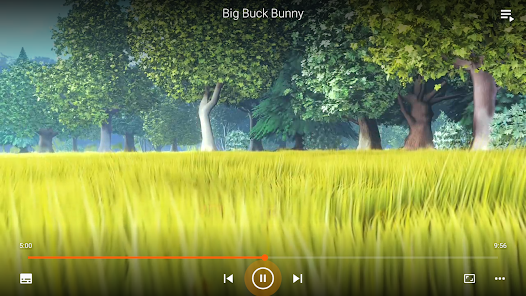
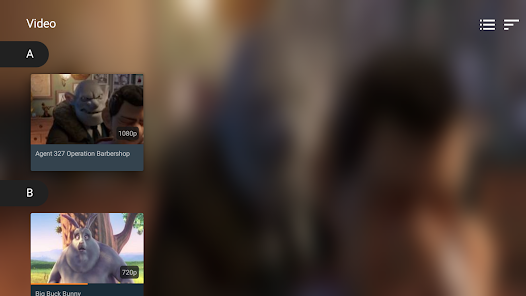
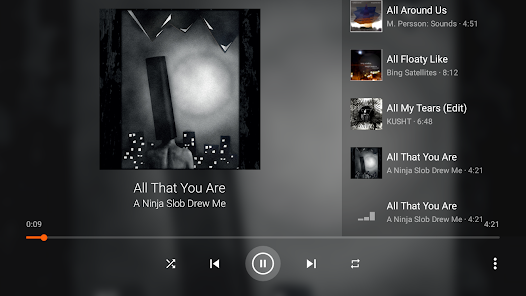
Upon launching VLC for Android, I was greeted with a minimalistic and straightforward interface that didn’t overwhelm me with options. The navigation is intuitive, making it easy to access my media library, settings, and playlists. I particularly appreciate how smoothly the app handles transitions between different media files. The playback is remarkably fluid, and I never experienced any lag or buffering issues. The ability to adjust settings, such as brightness and aspect ratio, during playback is a game-changer, especially when watching videos in varying environments. Overall, the experience felt polished and user-centric, leaving me satisfied after each use.
One of the best aspects of VLC for Android is that it’s completely free to download and use. There are no hidden fees, premium features, or annoying subscription models. This is a refreshing change in a market where many apps charge for similar functionalities. The absence of ads further enhances the user experience, allowing me to enjoy my media without interruptions.
VLC for Android regularly receives updates that improve its performance and introduce new features. The development team is responsive to user feedback, ensuring the app evolves to meet changing demands. I’ve had a few minor bugs in the past, but they were swiftly addressed in subsequent updates. Additionally, the support forum is quite active, making it easy to find solutions to common issues or share experiences with other users.
When it comes to security and privacy, VLC for Android takes a commendable approach. First and foremost, the app is available on trusted platforms like the Google Play Store, which adds a layer of credibility. Upon installation, I was pleased to find that VLC does not require any registration or personal data, allowing me to use it freely without sharing sensitive information.
Moreover, there are no intrusive ads or tracking behaviors that often plague free applications. This is particularly important for American users who are increasingly concerned about privacy. VLC respects user data, focusing solely on delivering a high-quality media experience without compromising on security. With no personal data collection or third-party tracking, I can enjoy my media without feeling uneasy about my privacy.

 Supports a wide range of audio and video formats User-friendly interface for easy navigation No ads or subscription fees for a seamless experience Customizable playlists for personal media organization Offline playback allows enjoyment without internet access
 User interface can be confusing for new users Limited support for certain video formats Occasional playback issues with high-resolution files Lacks advanced features found in other players
  Google Play
  App Store
 VLC for Android is designed to prioritize user privacy and does not collect personal data. The app does not track users or require account creation.
VLC for Android is completely free to download and use, with no trial period or hidden costs. Users can access all features without any subscription fees.
No, VLC for Android does not require an internet connection to play local media files. However, you will need an internet connection if you wish to stream content online.
You can contact support or send feedback for VLC for Android through the official VLC website or forums, where you can find assistance and report issues. Additionally, you can leave feedback on the app store where you downloaded it.
Since VLC for Android does not have any subscription plans, there is no need to manage or cancel a subscription. Users can enjoy the app's features without any ongoing commitments.
No, VLC for Android does not require a login. You can use all features without creating an account.
You can find support and contact information on the official VLC website under the support section. They typically do not have a direct customer service number.
VLC for Android does not require activation. Simply download the app from the Google Play Store and start using it immediately.
VLC does not provide a customer service number. Instead, they offer forums and online support for user inquiries.















 Home
Home  Apps
Apps  Games
Games  Disclaimer
  Privacy & Policy
  Terms of Service