This site uses cookies to enhance your user experience. By clicking any link on this site you are giving your consent to our cookie policy. Read more
Reject
Accept All

Advertiser and Editorial Disclosures

Scary Teacher 3D

Scary Teacher 3D

4.2
Advertisement
Screenshot 1
Screenshot 2
Screenshot 3
Screenshot 4
Screenshot 5
Screenshot 6
Screenshot 7
Screenshot 8
Screenshot 9
Screenshot 10
Screenshot 11
Screenshot 12
Screenshot 13
Screenshot 14
Screenshot 15
Screenshot 16
Screenshot 17
Screenshot 18
Screenshot 19
Screenshot 20
Screenshot 21

Information

  • Category: Action
  • Price: free
  • Age Rating: Teen
  • Rating: 4.2
  • Developer: Z & K Games
  • Version: 9.3
Advertisement
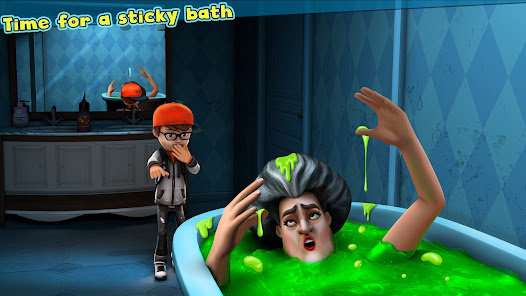
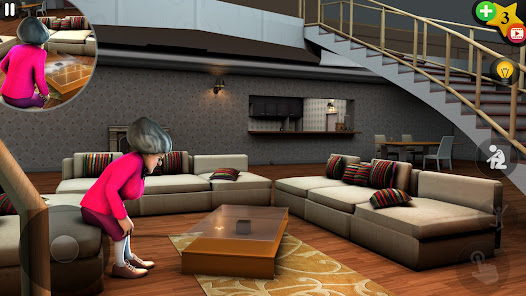
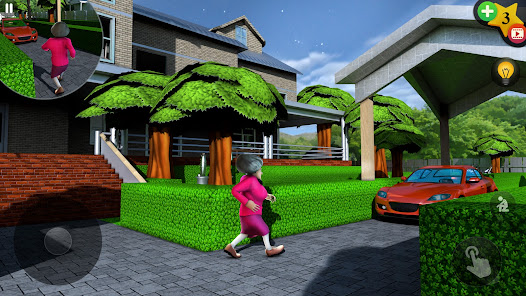
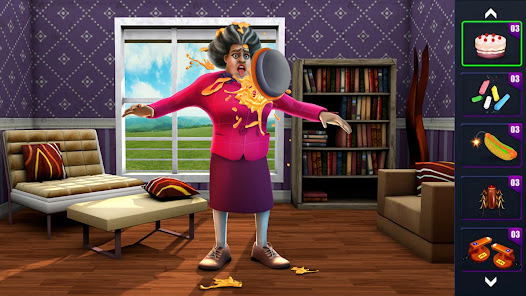
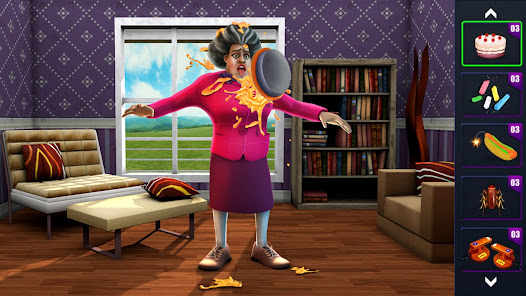
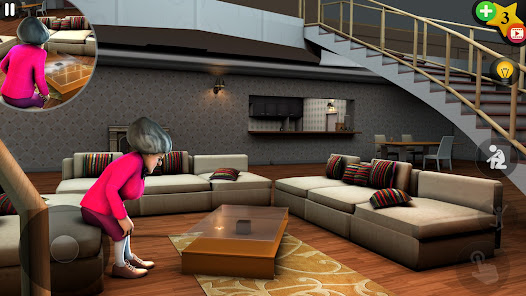
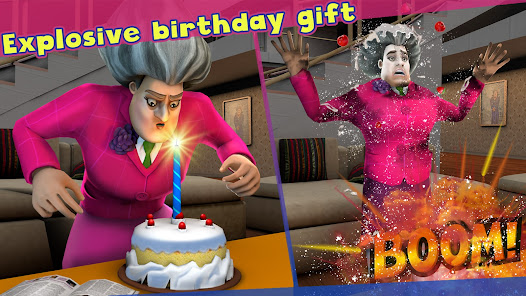
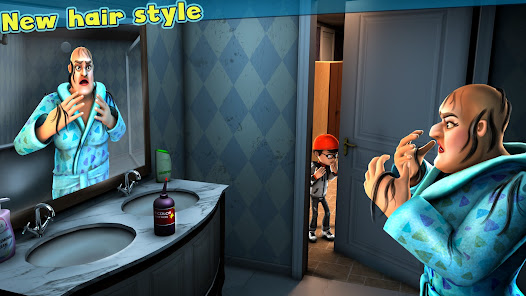
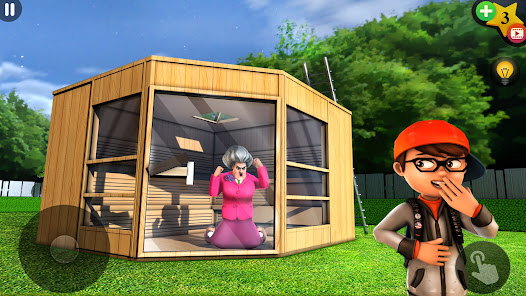
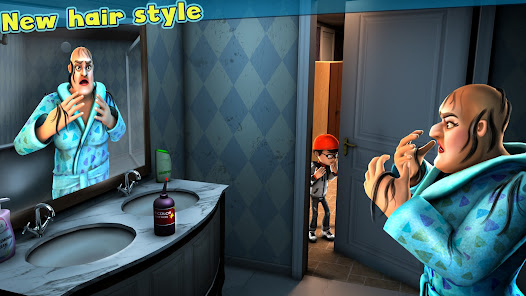
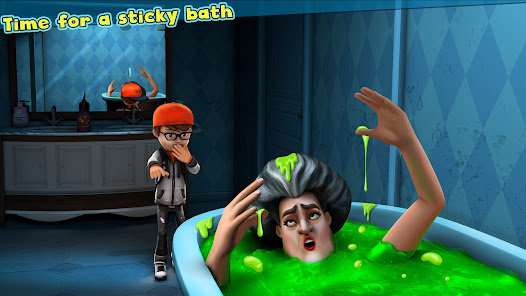
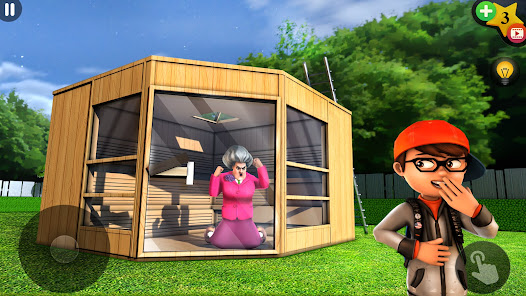
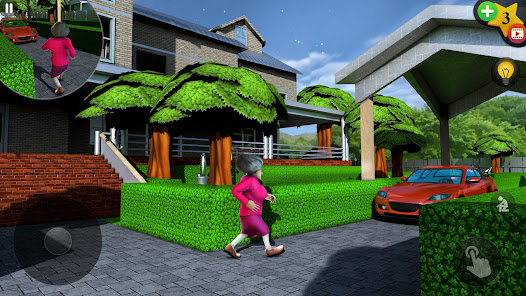
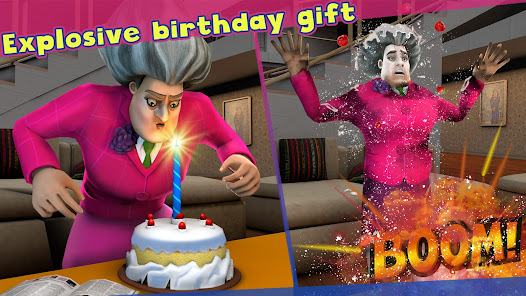
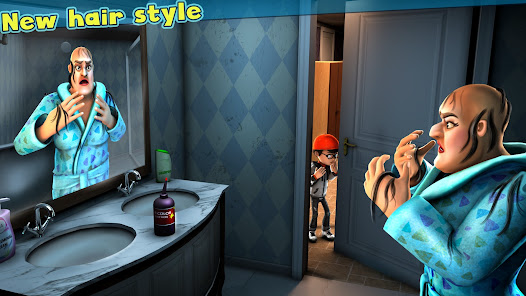
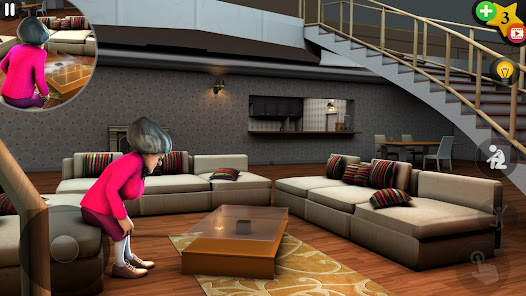
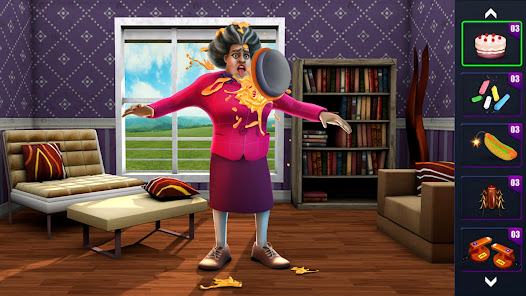
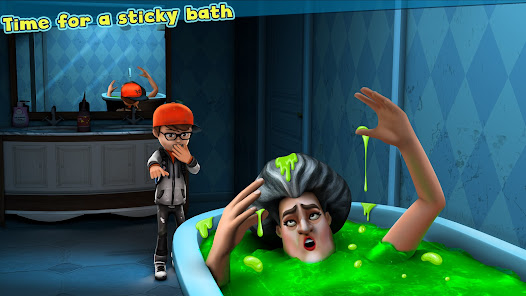
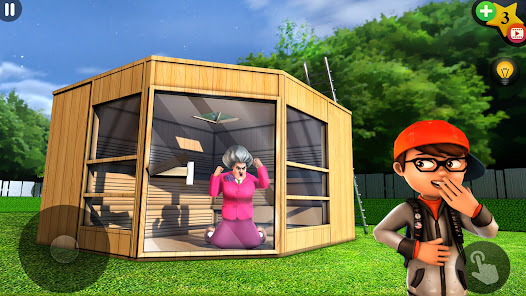
"Scary Teacher 3D" is an engaging mobile game that combines elements of adventure and strategy. Players step into the shoes of a student seeking revenge on their terrifying teacher, Ms. T. Navigate through her creepy house, solve puzzles, and execute clever pranks while avoiding her wrath. With vibrant graphics and immersive gameplay, this thrilling experience challenges players to outsmart the sinister teacher and uncover her dark secrets. Get ready for a spooky yet fun-filled journey!

Features & Highlights

  • Engaging Gameplay: "Scary Teacher 3D" offers a unique blend of horror and humor, making it an engaging experience. Players take on the role of a student who must outsmart their terrifying teacher, Miss T, by completing various missions. For instance, sneaking into her house to retrieve a stolen item adds an element of thrill and excitement.
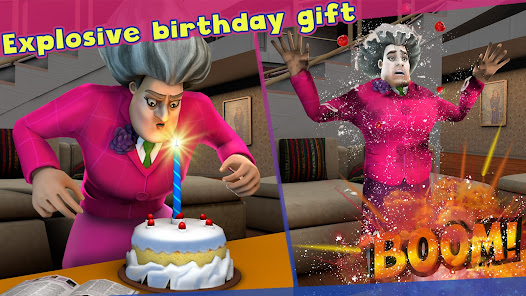
  • Diverse Missions: The game features a wide array of missions that keep the gameplay fresh and interesting. From pranking Miss T to solving puzzles, each mission presents a new challenge. I found myself particularly entertained while trying to set up a prank involving a fake spider, which had me laughing out loud.
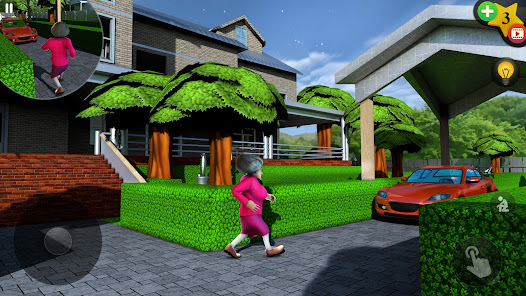
  • 3D Graphics and Sound Effects: The vibrant 3D graphics and immersive sound effects enhance the overall gaming experience. The detailed environments and character animations make the game visually appealing. I was particularly impressed by the spooky sound effects that heightened the tension during stealth missions.
  • Intuitive Controls: The game features user-friendly controls that make it easy for players of all ages to navigate. Whether you’re sneaking around or executing a prank, the controls are responsive and straightforward. I appreciated how quickly I could adapt to the controls, allowing me to focus on the fun rather than struggling with the mechanics.
  • Regular Updates: The developers frequently update the game with new content, ensuring that players always have something to look forward to. I noticed new missions and features added regularly, which kept my interest piqued and encouraged me to return to the game.

Real Experience Using "Scary Teacher 3D"

Application Scenarios

As a casual gamer, I often find myself looking for quick entertainment during my breaks. "Scary Teacher 3D" has become my go-to app for those moments. Whether I’m waiting for my coffee to brew or taking a short break from work, I can easily dive into a mission. One memorable scenario was during a long train ride; I pulled out my phone and started a mission to prank Miss T by hiding her favorite book. The thrill of sneaking around her house while trying to avoid detection made the journey fly by.

User Experience

The user interface of "Scary Teacher 3D" is clean and intuitive, making it easy to navigate through the various menus and missions. The main screen presents a clear layout of available missions, and I appreciated the tutorial that guided me through the initial gameplay. The graphics are vibrant, and the animations are smooth, which contributed to an enjoyable gaming experience. I did encounter a few minor glitches, but they were infrequent and didn’t detract from my overall enjoyment. The thrill of completing a mission and the satisfaction of outsmarting Miss T left me feeling accomplished and eager to tackle the next challenge.

Pricing

"Scary Teacher 3D" is free to download, which is a significant advantage for casual gamers like myself. However, it does offer in-app purchases for those who want to enhance their gaming experience. I found that while the free version provides ample content, the option to purchase additional features or remove ads is appealing for dedicated players. Overall, the pricing model is fair and allows players to enjoy the game without feeling pressured to spend money.

Updates & Support

The developers of "Scary Teacher 3D" are proactive in providing updates and support. I’ve noticed regular updates that introduce new missions and features, which keeps the game fresh and exciting. Additionally, the support team is responsive; I reached out with a question about a mission, and they replied promptly with helpful information. This level of engagement from the developers enhances my overall experience and makes me feel valued as a player.

Security & Privacy Review

When it comes to security and privacy, "Scary Teacher 3D" takes several measures to protect its users. The app is available on both the App Store and Google Play, which adds a layer of credibility. Upon installation, I was required to create an account, but the personal data requirements were minimal, only asking for a username and email address. However, it’s important to note that the game does feature ads, which can sometimes lead to tracking behavior. While I didn’t feel that my personal information was at risk, I recommend being cautious and reviewing the app’s privacy policy. Overall, I felt comfortable using "Scary Teacher 3D," but as with any app, it’s wise to stay informed about privacy practices and manage your settings accordingly.
Pros
  • Engaging gameplay keeps players entertained for hours
  • Challenging puzzles enhance critical thinking and problem-solving skills
  • Vibrant graphics and animations create an immersive experience
  • Variety of levels offers diverse challenges and surprises
  • Humorous storyline adds a fun twist to gameplay dynamics
Cons
  • The game can become repetitive and lacks variety in missions.
  • Graphics and animations may feel outdated and unpolished.
  • Controls can be unresponsive, leading to frustrating gameplay experiences.
Advertisement
Advertisement

FAQ

Can I submit suggestions or feedback to Scary Teacher 3D?

Yes, players can submit suggestions and feedback through the app's support or contact sections to help improve the game.

Does Scary Teacher 3D collect my personal data?

Scary Teacher 3D may collect certain personal data to enhance user experience and for advertising purposes, as stated in their privacy policy.

Does Scary Teacher 3D support offline use?

Yes, Scary Teacher 3D can be played offline, allowing players to enjoy the game without needing an internet connection.

How do I cancel my Scary Teacher 3D subscription?

Users can cancel their subscription through their device's app store settings, following the instructions provided by either Google Play or the Apple App Store.

How much does a subscription to Scary Teacher 3D cost?

The subscription cost for Scary Teacher 3D can vary based on the chosen plan, and users are encouraged to check the app for current pricing details.

How to use Scary Teacher 3D

Can I change my customer number after registration?

Unfortunately, customer numbers cannot be changed once assigned. Please keep your original customer number safe.

How can I get support if I have a problem with activation?

For activation issues, please contact customer service with your account details for prompt assistance.

How do I activate my account in Scary Teacher 3D?

After downloading the game, follow the on-screen instructions to create and activate your account.

How do I contact customer service for Scary Teacher 3D?

You can reach customer service by visiting the game's official website and using the support contact form.

I forgot my customer number. How can I retrieve it?

Please check your email for the registration confirmation, which includes your customer number.

Advertisement