





 4.3
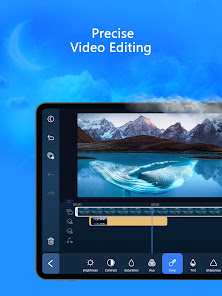
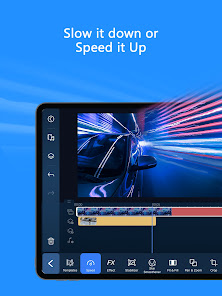
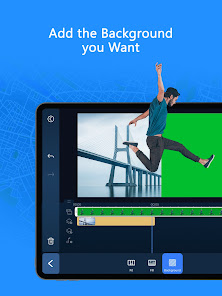
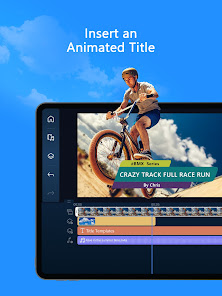
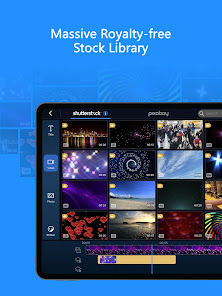
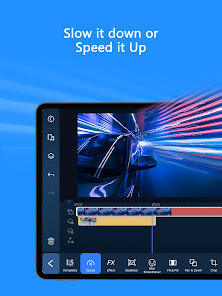
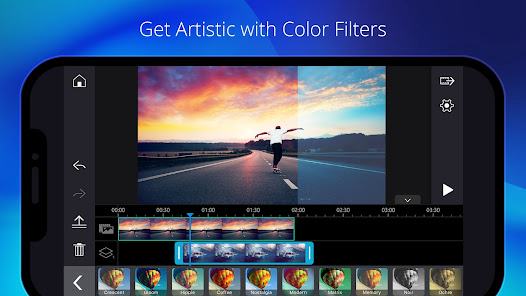
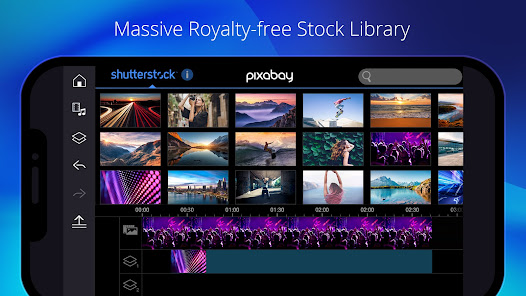
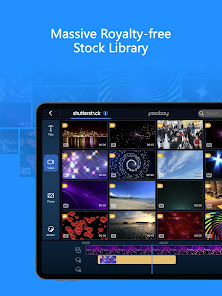
4.3 PowerDirector - Video Editor is a robust application that caters to both novice and experienced video editors. With its user-friendly interface and powerful features, it stands out in the crowded market of video editing apps. Here are some of its core features that truly enhance the editing experience:
As someone who frequently creates content for social media, I often find myself reaching for PowerDirector to edit my videos. Whether it’s a quick Instagram story or a more elaborate YouTube tutorial, this app has become my go-to tool. Recently, I used it to compile a series of clips from a family vacation. The ability to quickly trim, arrange, and enhance my footage made the process enjoyable rather than tedious. I also use it for professional projects, such as creating promotional videos for local businesses, where the need for high-quality output is paramount.
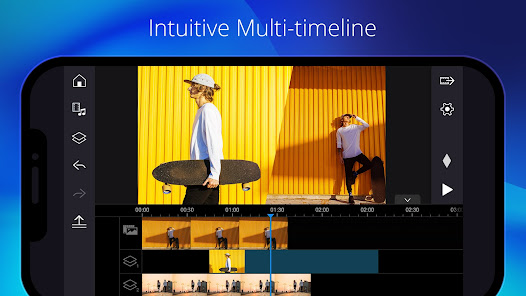
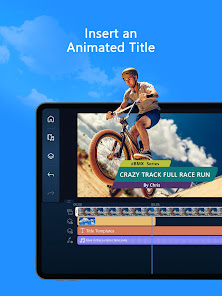
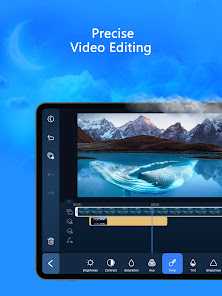
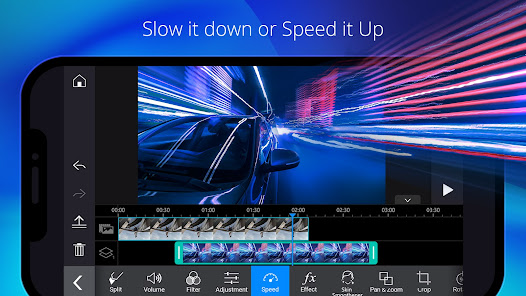
The user interface of PowerDirector is one of its standout features. Upon opening the app, I was greeted with a clean layout that made it easy to dive right into my projects. The workflow is intuitive; I could drag and drop clips onto the timeline without any hassle. The performance was impressive as well; I experienced minimal lag even when working with high-resolution footage. The editing tools are comprehensive yet straightforward, allowing me to apply effects and transitions with just a few taps. Overall, my experience has been overwhelmingly positive, and I appreciate how the app empowers me to unleash my creativity without overwhelming me with complexity.
PowerDirector offers a free version with basic features, which is great for casual users. However, for those looking to unlock the full potential of the app, the premium subscription is available. The pricing is competitive, and I found the monthly and yearly plans to be reasonable considering the extensive features offered. The premium version also removes watermarks and provides access to additional content, which is a significant advantage for serious creators.
The developers of PowerDirector are committed to enhancing user experience through regular updates. I’ve noticed several improvements and new features added over time, which shows their dedication to keeping the app relevant. Additionally, customer support is readily available through their website and social media channels. I had a minor issue with a feature once, and the support team responded promptly, providing me with the assistance I needed to resolve it quickly.
When it comes to security and privacy, PowerDirector takes several measures to protect its users. The app is available on both the App Store and Google Play, ensuring that it meets the security standards set by these platforms. Upon registration, users are required to provide minimal personal data, which is a plus for those concerned about privacy. I appreciate that the app does not bombard me with ads, and I have not noticed any intrusive tracking behavior while using it. Overall, I feel secure using PowerDirector, knowing that my data is handled responsibly and that my editing experience remains uninterrupted by unwanted advertisements.

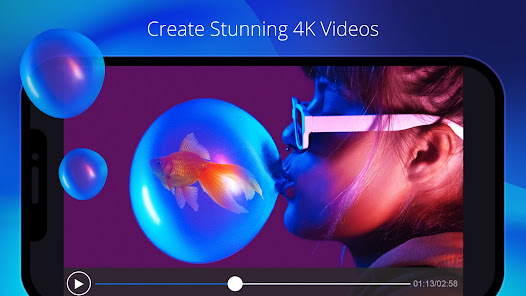
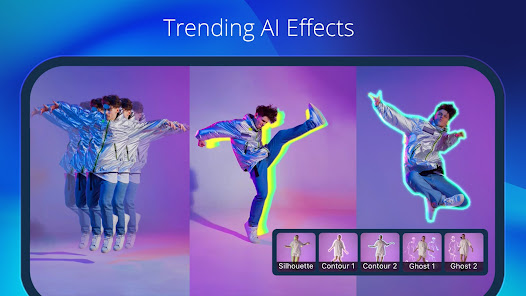
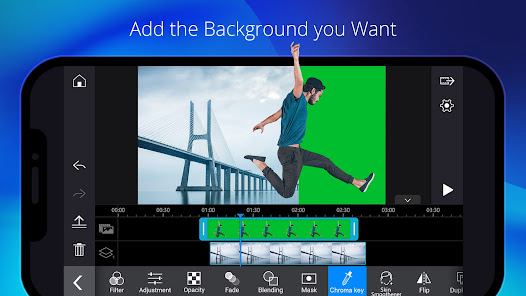
 User-friendly interface simplifies video editing for all skill levels. Extensive library of effects and templates enhances creativity. Fast rendering speeds save time on video production. Multi-track editing allows for advanced project customization. Supports 4K resolution for high-quality video output.
 Limited advanced features compared to competitors may hinder professional editing needs. Export options may be restricted, affecting video quality and formats available. The learning curve can be steep for beginners, complicating initial use.
 Yes, PowerDirector - Video Editor may collect personal data as outlined in its privacy policy, which typically includes information for account creation, customer support, and usage analytics.
PowerDirector - Video Editor offers a free version with limited features, as well as a free trial for its premium features, allowing users to explore the app before committing to a subscription.
While some features of PowerDirector - Video Editor may require an internet connection for downloading additional content or updates, the core editing functionalities can be used offline.
You can contact support or send feedback for PowerDirector - Video Editor through the official website, support forum, or within the app itself, where you can find options for help and customer service.
You can manage or cancel your PowerDirector - Video Editor subscription through the app settings or the platform's subscription management section, depending on where you purchased the subscription.
Unfortunately, you cannot change your Customer Number once your account is activated. If you have concerns, please contact Customer Service for help.
Yes, you can log in from multiple devices, but ensure you comply with the licensing agreement.
You can reach Customer Service through the official website's support section, where you can find chat, email, and phone options.
You cannot update your Customer Number. You may want to consolidate accounts by contacting Customer Service for guidance.
To activate your account, enter your activation code on the registration page after downloading the software. Follow the prompts to complete the process.















 Home
Home  Apps
Apps  Games
Games  Disclaimer
  Privacy & Policy
  Terms of Service
  Google Play
  App Store