





 4.5
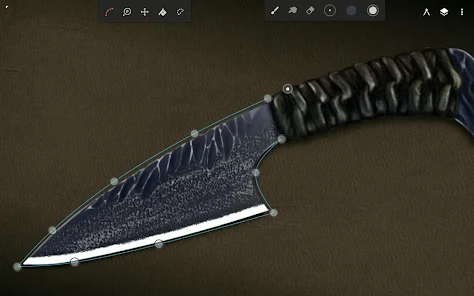
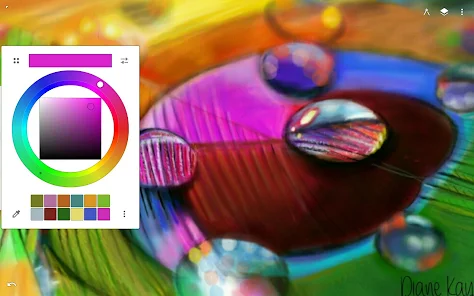
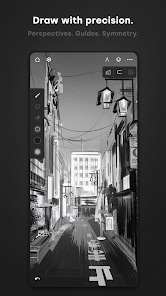
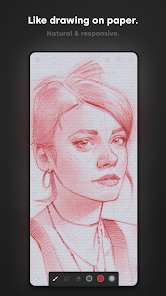
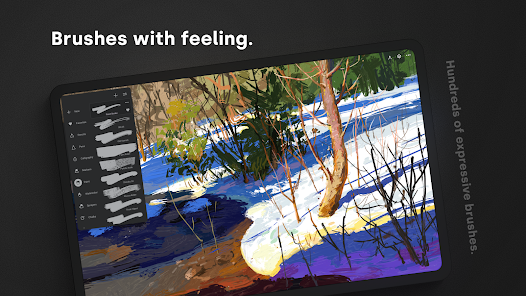
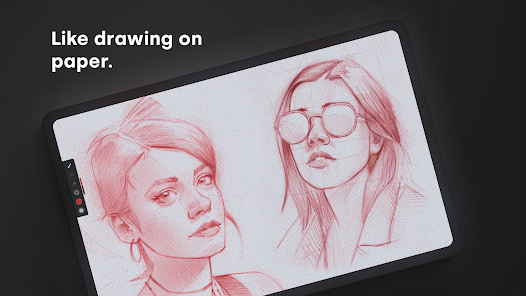
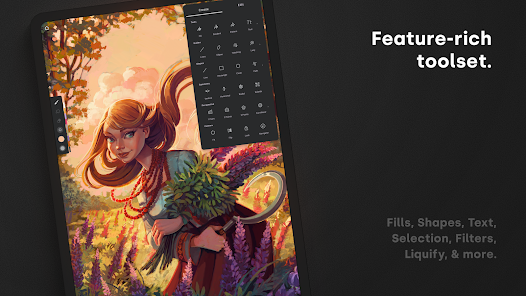
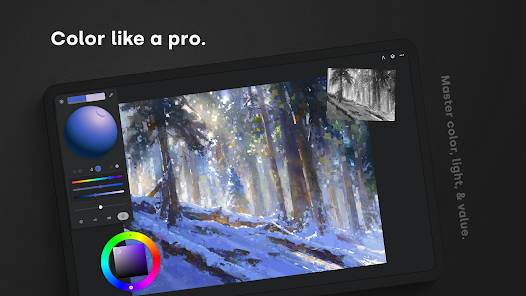
4.5 As an avid digital artist, I often find myself reaching for Infinite Painter during various moments of inspiration. Whether I’m lounging on my couch, waiting for an appointment, or even during my lunch break at work, this app has become my go-to tool for sketching and painting. One memorable instance was when I was on a train journey; I pulled out my tablet and began sketching the scenery outside. The app’s responsive brushes and smooth interface allowed me to capture the essence of the landscape effortlessly.
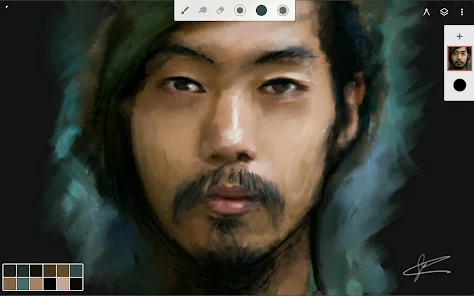
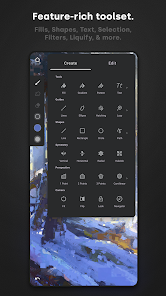
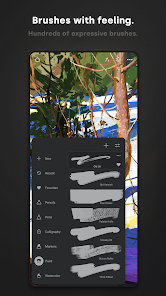
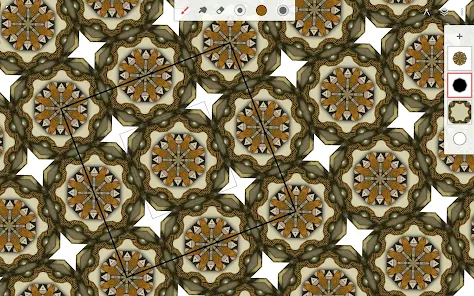
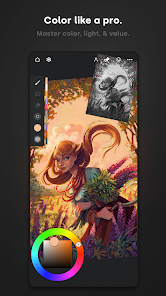
The user experience in Infinite Painter is nothing short of delightful. The interface is sleek and intuitive, making it easy to access tools and features without feeling overwhelmed. I particularly appreciate the customizable toolbar, which allows me to arrange my most-used tools for quick access. The performance is impressive; I’ve never experienced lag, even when working on large canvases with multiple layers. The app’s workflow is seamless, allowing me to switch between brushes and layers with ease. Overall, using Infinite Painter feels like a natural extension of my creativity, and I often lose track of time while immersed in my artwork.
Infinite Painter offers a free version with a robust set of features, but for those looking to unlock the full potential of the app, there’s a one-time purchase option. This pricing model is refreshing in a world filled with subscription services, and I found the cost to be quite reasonable considering the extensive features available. The investment has certainly paid off, as I now have access to all the brushes and tools I need to elevate my art.
The developers of Infinite Painter are committed to providing regular updates, which is evident in the app’s continuous improvements and new features. I’ve noticed enhancements in brush performance and additional tools that have been added over time. The support team is also responsive; I reached out with a question about a feature, and I received a helpful reply within a day. This level of support gives me confidence in the app and its future development.
When it comes to security and privacy, Infinite Painter takes user concerns seriously. The app is available on both the App Store and Google Play, ensuring that it meets the security standards set by these platforms. Registration is straightforward, requiring only basic information, which is a relief for users wary of sharing personal data. I appreciate that the app does not bombard me with ads or engage in excessive tracking behavior, allowing me to focus solely on my art without distractions. Overall, I feel secure using Infinite Painter, knowing that my privacy is respected while I create.

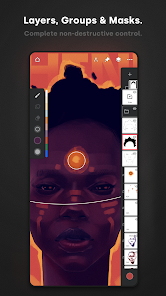
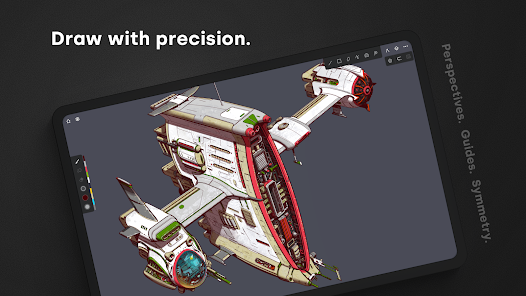
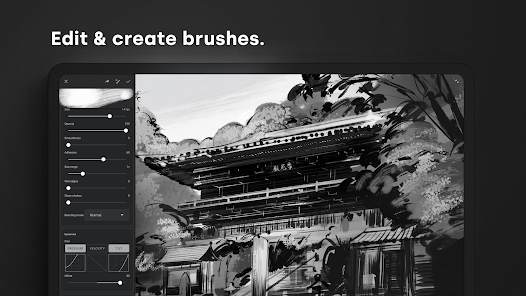
 Infinite Painter offers a user-friendly interface for effortless creativity. It features a vast array of customizable brushes for unique artwork. The app supports high-resolution canvases for detailed designs. Layer management allows for complex compositions and easy adjustments. Regular updates introduce new tools and features to enhance artistic capabilities.
 Limited brush customization options may hinder advanced users' creativity. Performance can lag on older devices, affecting workflow. Steeper learning curve compared to other painting apps for beginners.
 Yes, users can submit suggestions or feedback through the app's support section or via their official website, where they encourage user input to improve the app.
Infinite Painter has a privacy policy that outlines the data it collects, which typically includes usage data and analytics, but it does not collect personally identifiable information without user consent.
Yes, Infinite Painter can be used offline, allowing users to create art without needing an internet connection.
You can cancel your subscription through the app store where you purchased it, either in the Google Play Store or Apple App Store, by following the subscription management instructions.
The subscription to Infinite Painter typically costs a monthly or annual fee, with pricing varying based on the region and any ongoing promotions.
Yes, you can activate your account by clicking the link sent to your email after registration.
Customer numbers are generally fixed, but for changes, please contact customer service for specific options available to you.
You can reach our customer service through the support section in the app or by visiting our website's contact page. We’re here to help!
If your customer number is incorrect, please contact customer service with your details, and we'll assist you in updating it.
To log in, open the app, tap on the login button, and enter your email and password linked to your account.











 Home
Home  Apps
Apps  Games
Games  Disclaimer
  Privacy & Policy
  Terms of Service
  Google Play
  App Store