


 4.6
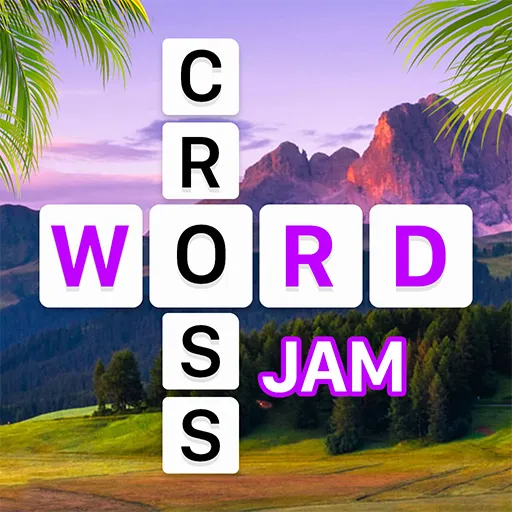
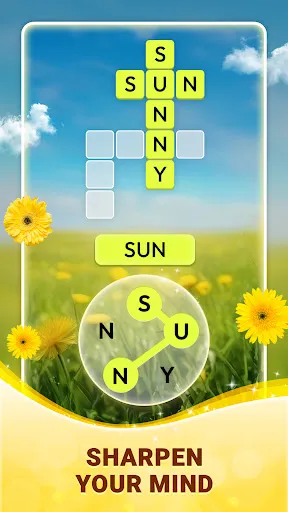
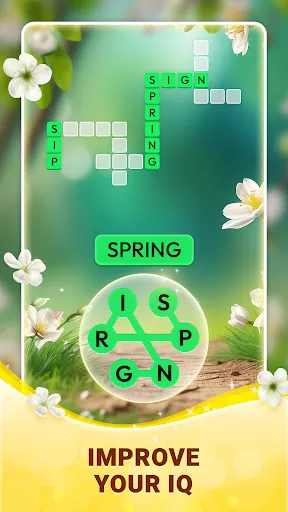
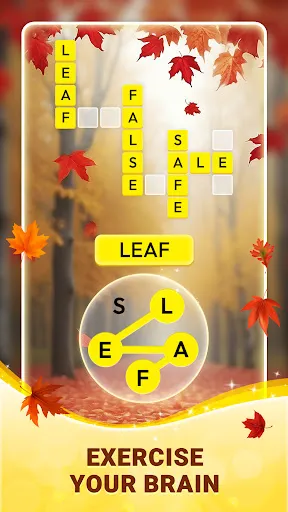
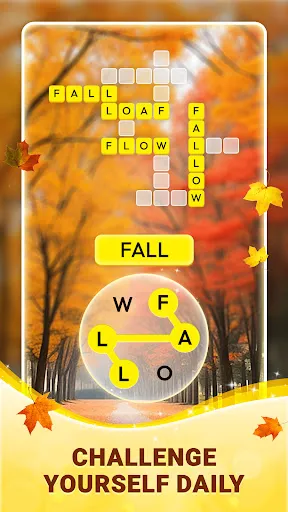
4.6 "Crossword Jam" is an engaging word puzzle game that combines elements of crossword puzzles and word searches. One of its standout features is the vast array of levels, each presenting unique challenges that test players' vocabulary and problem-solving skills. The game offers a user-friendly interface, making it accessible for players of all ages. Additionally, it includes a hint system that allows players to receive clues when they are stuck, enhancing the overall gameplay experience.
Another notable feature is the daily challenges, which provide players with fresh content and the opportunity to earn rewards. The game also supports offline play, allowing users to enjoy it without an internet connection. Furthermore, "Crossword Jam" includes a social aspect, enabling players to compete with friends and share their progress on social media platforms. The combination of these features creates a captivating and addictive gameplay experience that keeps players coming back for more.
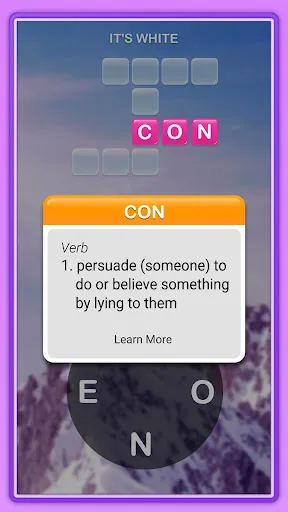
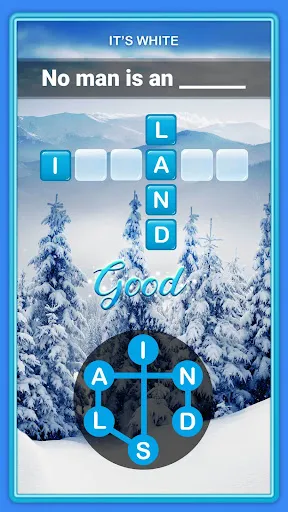
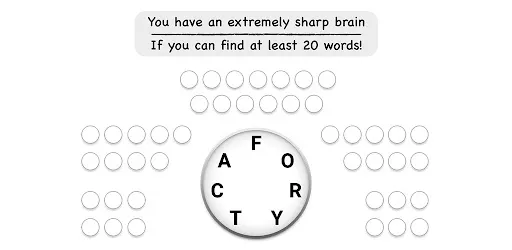
To get started with "Crossword Jam," first, download the app from your device's app store and install it. Once you open the game, you will be greeted with a simple tutorial that guides you through the basic mechanics. The objective is to form words from a set of letters provided in each level. You can swipe your finger across the letters to create words, and the game will automatically recognize valid combinations.
As you progress through the levels, you will encounter increasingly challenging puzzles. If you find yourself stuck, you can use hints to reveal letters or even entire words. Additionally, participating in daily challenges can help you earn extra rewards and keep the gameplay fresh. Remember to take advantage of the social features by inviting friends to join and compete against each other. This not only enhances the fun but also motivates you to improve your word skills.
Like any app, "Crossword Jam" has its advantages and disadvantages. One of the primary pros is its engaging gameplay, which effectively combines elements of crossword puzzles and word searches, making it enjoyable for word enthusiasts. The game is also visually appealing, with a clean interface and vibrant graphics that enhance the user experience. Additionally, the availability of daily challenges and the ability to play offline are significant benefits that keep players engaged.
On the downside, some users may find the in-app purchases necessary to progress through the game, which can be frustrating for those who prefer a completely free experience. Additionally, while the hint system is helpful, it can sometimes lead to over-reliance, diminishing the challenge of solving puzzles independently. Lastly, the social features, while fun, may not appeal to everyone, as some players prefer a solitary gaming experience. Balancing these pros and cons can help users determine if "Crossword Jam" is the right fit for their gaming preferences.

 Enhances vocabulary with engaging word challenges Promotes critical thinking through strategic puzzle-solving Offers a fun and relaxing way to pass time Encourages friendly competition with friends and family Accessible on multiple devices for anytime play
 Limited word variety can make puzzles feel repetitive. In-app purchases may frustrate players seeking free gameplay. Ads can disrupt the flow and enjoyment of solving puzzles.
  Google Play
  App Store
 Yes, players can submit suggestions or feedback through the app's support section or contact the developers directly via their website.
Crossword Jam may collect certain user data to improve the app experience, but it adheres to privacy policies to protect user information.
Yes, Crossword Jam allows players to enjoy the game without an internet connection, making it convenient for on-the-go gaming.
Users can cancel their subscription through their device's app store settings or the subscription management section in the app.
The subscription cost varies, but users can typically find options for monthly or yearly plans within the app.
Unfortunately, customer numbers cannot be changed. If you have issues, please contact customer service for alternatives.
You can reach customer service via the support section in the app or by emailing support
To activate your account, check your email for a confirmation link, and click on it to finalize your registration.
You can update your account information in the settings section once you are logged in to your Crossword Jam account.
You can find your customer number in the app settings under your profile or contact customer service for assistance.





 Home
Home  Apps
Apps  Games
Games  Disclaimer
  Privacy & Policy
  Terms of Service